In this post, we'll learn how to reuse the same MCP server and the same Teams Developer Portal OAuth registration from our federated connector to add it as a connector inside a Microsoft 365 Copilot Cowork plugin.
In this post, we'll learn how to register our own authenticated MCP server as a federated Copilot Connector that serves live data to Researcher and Copilot Chat.
In this post, we'll learn how to connect a custom engine agent built with Copilot Studio to an MCP server protected with Microsoft Entra authentication.
In this post, we'll learn how to create a declarative agent using the Microsoft 365 Agents Toolkit that consumes an Entra-authenticated MCP server.
In this post, we'll learn how to enable multi-tenant authentication for MCP servers, allowing users from any organization to access your protected APIs.
In this post, we'll learn how to build an authenticated MCP server using Microsoft Entra for identity management and .NET for server implementation.
In this post, we'll see how to use the Model Context Protocol (MCP) with Copilot Studio to connect to an API which requires authentication with an API key
In this post, we'll see how to use the Model Context Protocol (MCP) with Copilot Studio using the Streamable HTTP transport layer
In this post, we'll see how to use the Model Context Protocol (MCP) with agents created with Semantic Kernel.
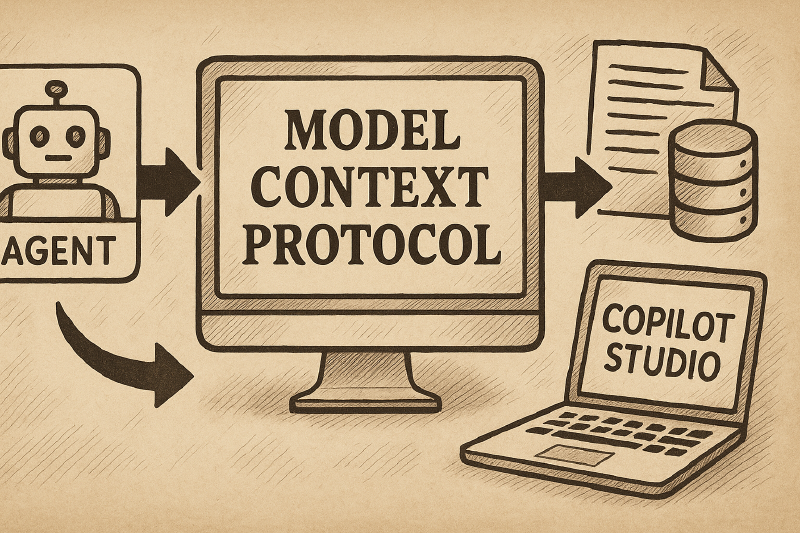
In this post, we'll see how to use the Model Context Protocol (MCP) with agents created with Copilot Studio.